
Business · Premium system
Project Management Pro
The free project tracker, upgraded with timelines, workload and client views.
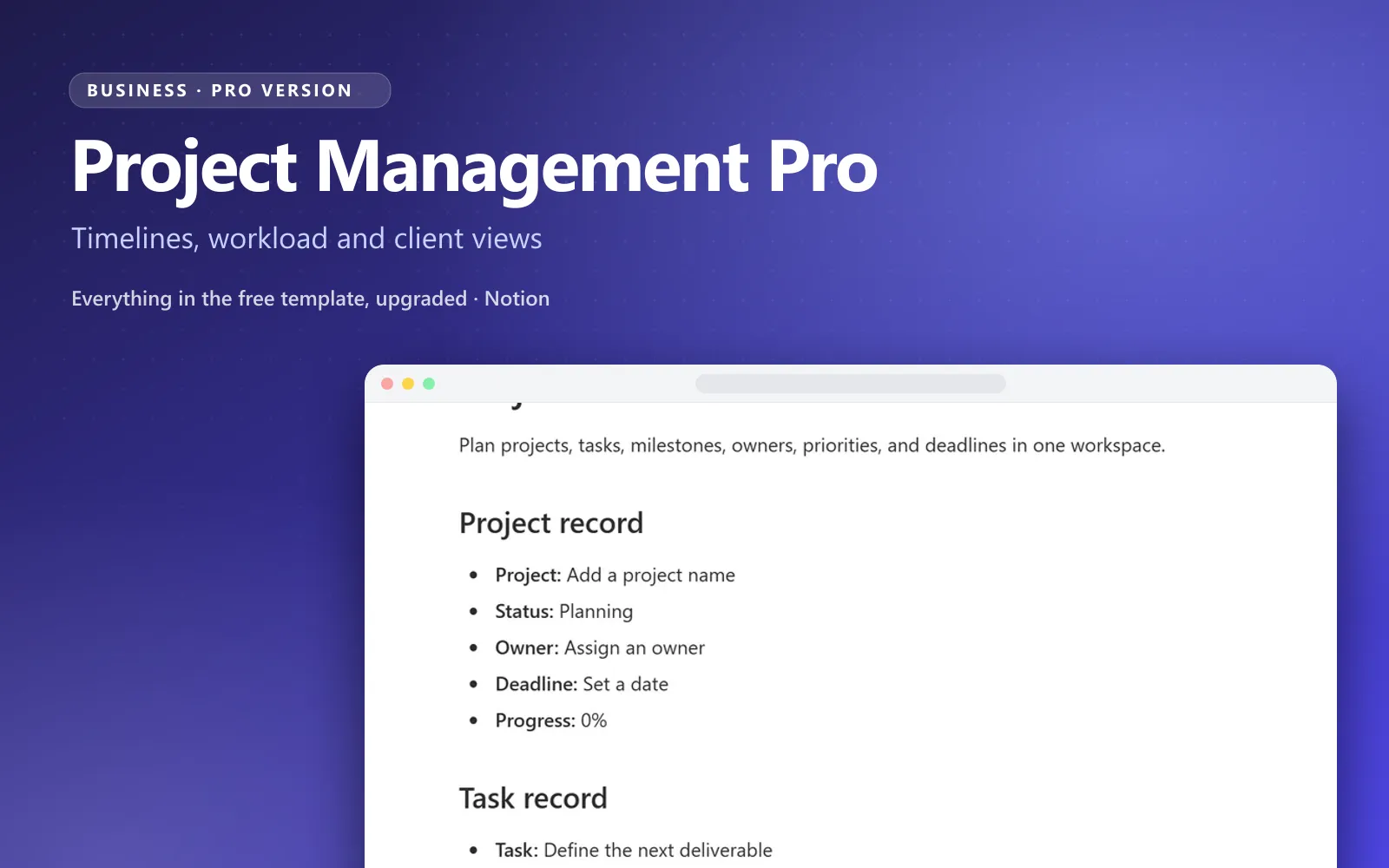
What’s inside the Project Management Pro Notion template
Everything in the free Project Management template plus a timeline view, milestones, workload per person, recurring tasks and a status report page you can share with clients or your team.
- Timeline and Gantt-style view with dependencies
- Milestones with progress rollups per project
- Workload view: open tasks per person this week
- Recurring tasks and task templates
- Shareable project status report page
- Archive and lessons-learned log
Why Project Management Pro
Why a Notion project management system keeps projects on track
Most project trackers in Notion start as a simple task list. It works until there are three projects, two deadlines on the same day and nobody knows who is overloaded. Project Management Pro is a Notion project management system that adds the missing layer: timelines, milestones and workload, all connected to the tasks you already track.
Plan it, then see it on a timeline
Every project gets milestones and tasks with start and end dates, and the Gantt-style timeline shows how they fit together, including which task is waiting on another. This Notion Gantt chart template turns a to-do list into a plan you can actually schedule.
Tasks, milestones and people, connected
Tasks roll up into milestones and milestones roll up into project progress, so the status of a project is calculated, not guessed. The workload view shows how many open tasks each person has this week before anyone says yes to more.
Yours to change, easy to start
It is Notion, so rename statuses, add properties and build new views as your process changes. The setup guide walks you through the first hour, and sample projects show what a running workspace looks like before you add your own.
Not sure yet? Start with the free Notion project management template. When you need timelines, milestones and workload on top of it, Project Management Pro is the upgrade. Managing client work as a freelancer? See Freelancer Client OS.
Compare
Free project management template vs Project Management Pro
The free template is a solid project tracker. Here is what the Pro version adds when you want a complete project management system in Notion.
| Compared on | Project Management ProComplete system · pay once | Free Project ManagementFree template · one job |
|---|---|---|
| Projects and tasks | Projects, milestones and tasks, linked | Project overview and task list |
| Timeline | Gantt-style timeline with dependencies | Not included |
| Milestones | Milestones with progress rollups per project | Not included |
| Workload | Open tasks per person this week | Owner field only |
| Recurring work | Recurring tasks and task templates | Not included |
| Reporting | Shareable project status report page | Progress and overdue views |
| Wrap-up | Archive and lessons-learned log | Not included |
Who it is for
Teams and solo operators running several projects at once.
What you get
- Connected databases with relations and rollups already wired
- Dashboards for daily and weekly use
- Setup guide and sample data
- Free updates when the system improves
- Works on Notion’s free plan
Frequently asked questions
Everything people ask before they run their projects with Project Management Pro.
How do I receive the template?
After checkout you get a link to duplicate the system into your own Notion workspace. It is yours to keep and customize.
Does it work on a free Notion plan?
Yes. Every system works on Notion’s free plan. Paid Notion plans only add team features and higher limits.
How is this different from the free template?
The Free Notion Project Management Template does one job well. Project Management Pro connects the jobs into one system with dashboards, relations and a setup guide.
Can you make a Gantt chart in Notion?
Yes. Notion’s timeline view works as a Gantt chart: each task is a bar between its start and end date, and dependencies show which task has to finish first. In this Notion Gantt chart template the timeline is already set up and linked to projects and milestones, so you only add your dates.
Is Notion good for project management?
For solo operators and small teams, yes. Notion keeps tasks, docs and notes in one place, and with relations and rollups it can track progress like a dedicated project tool. If you only need a simple task list per project, the free project management template covers that at no cost.
Can I get a refund?
If the system does not fit your workflow, contact us within 14 days and we will sort it out.
Get Project Management Pro today
$17.99 once (50% off the regular $34.99). Duplicate it into your workspace in a minute and start using it the same day.