12 free templates · duplicate in one click
Free Notion templates that work like complete systems
Ready-made Notion systems for projects, clients, study, money, and everyday life. Databases connected, views configured, structure done. Duplicate one and start using it today.
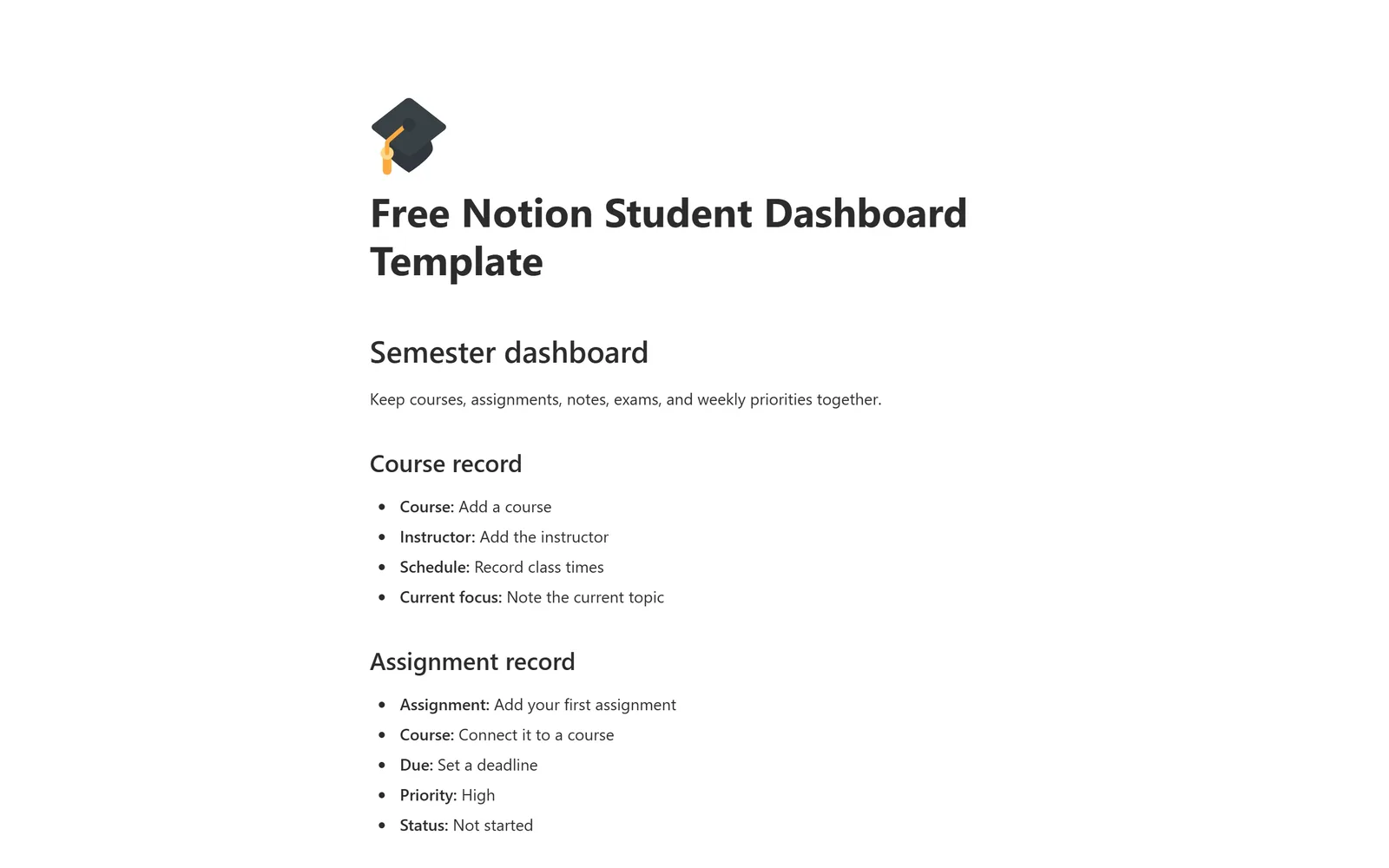
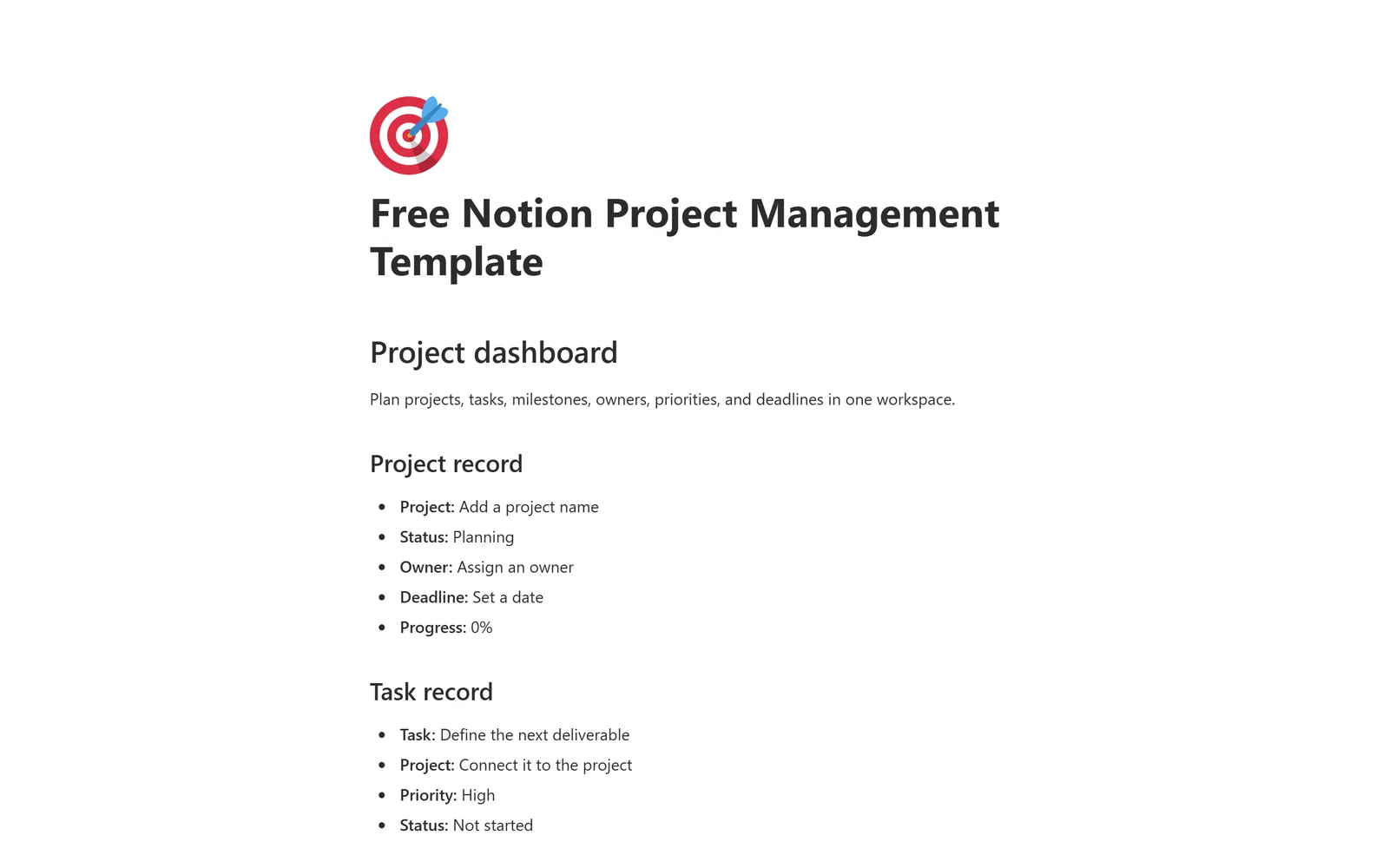
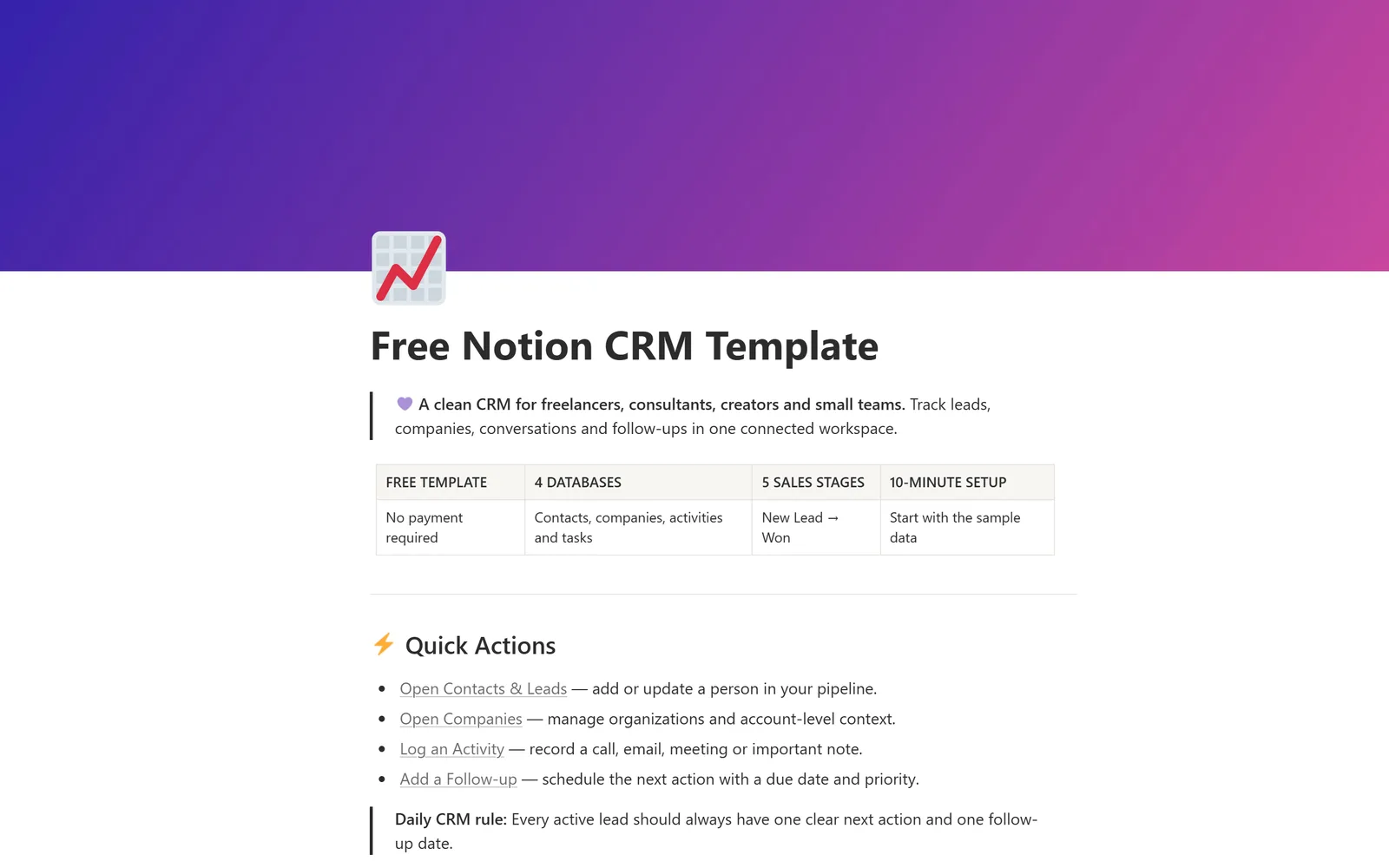
Browse by collection
Every template is built for one clear job. Pick the collection that matches what you are organizing.
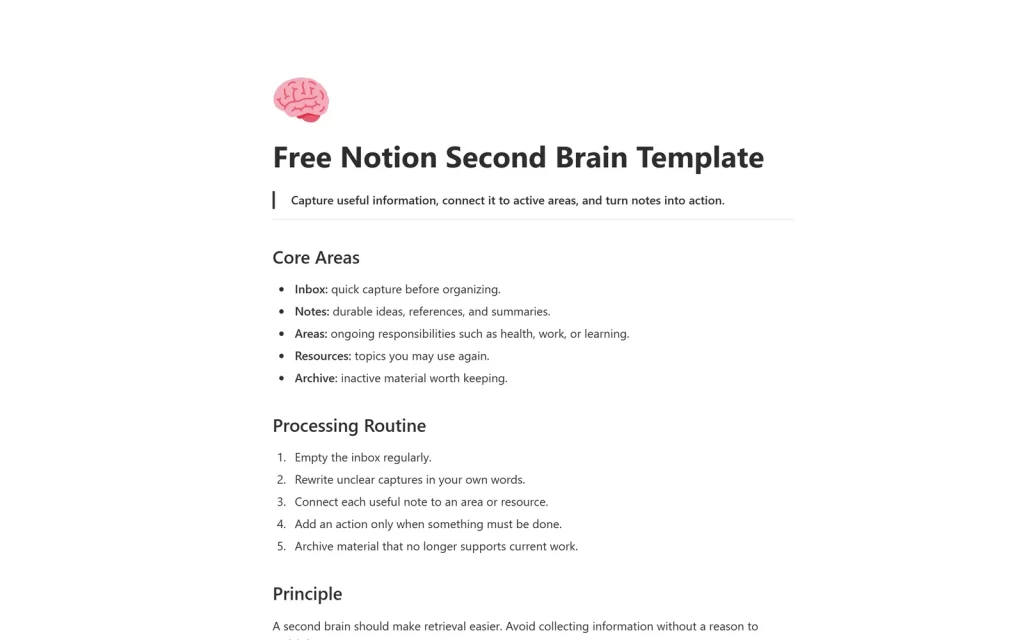
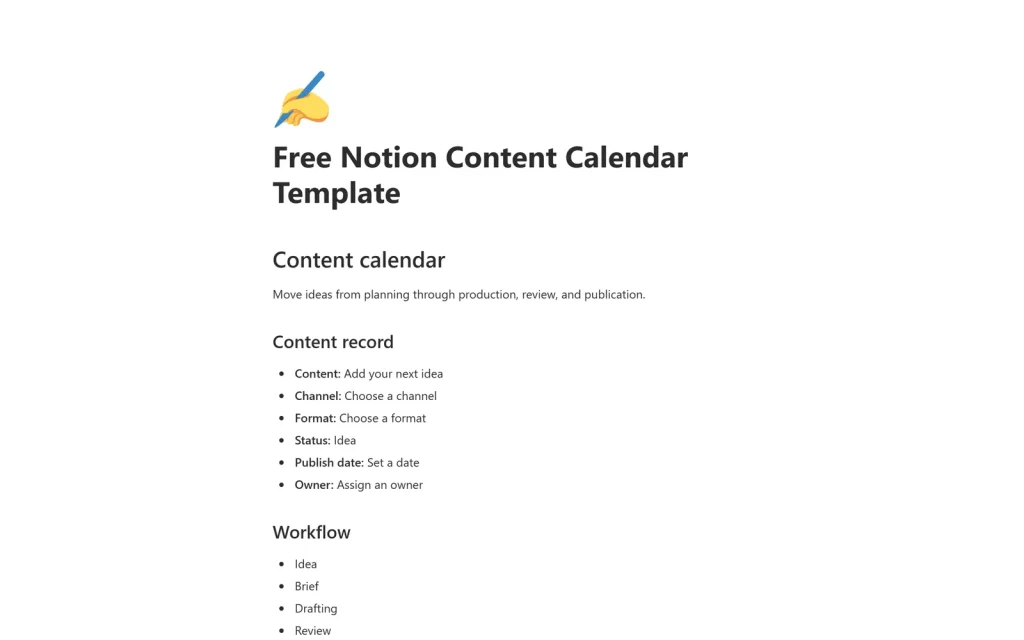
Popular free templates
Real templates, real screenshots. Each one opens in Notion and duplicates in a click.
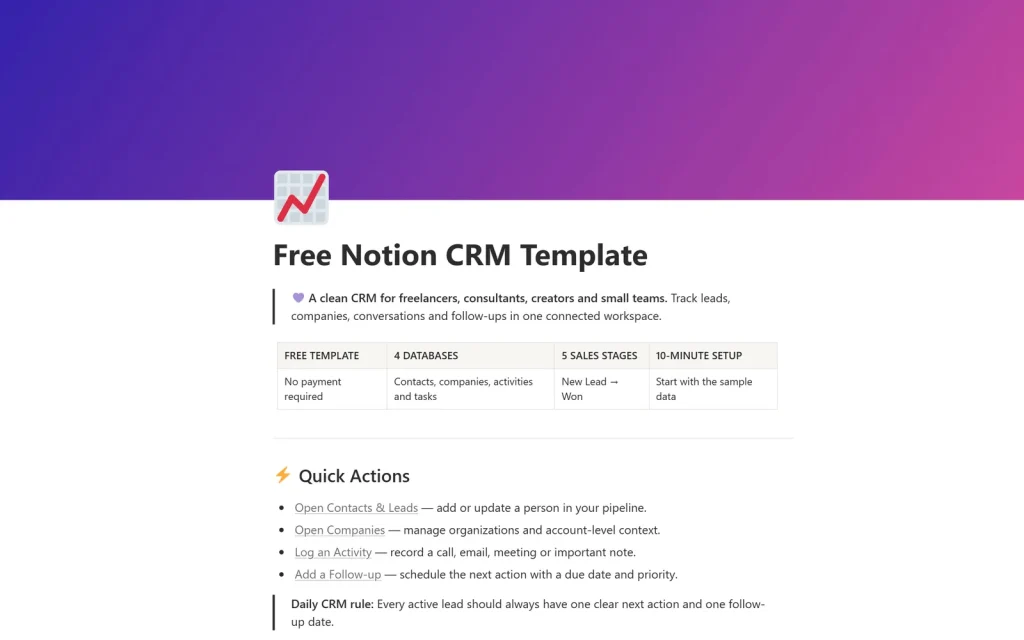
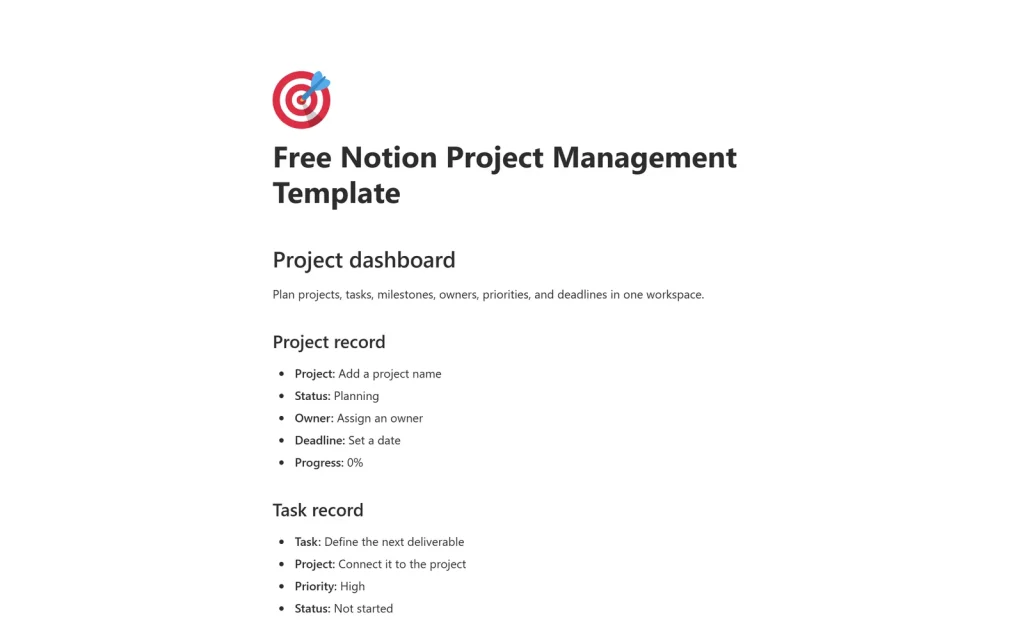
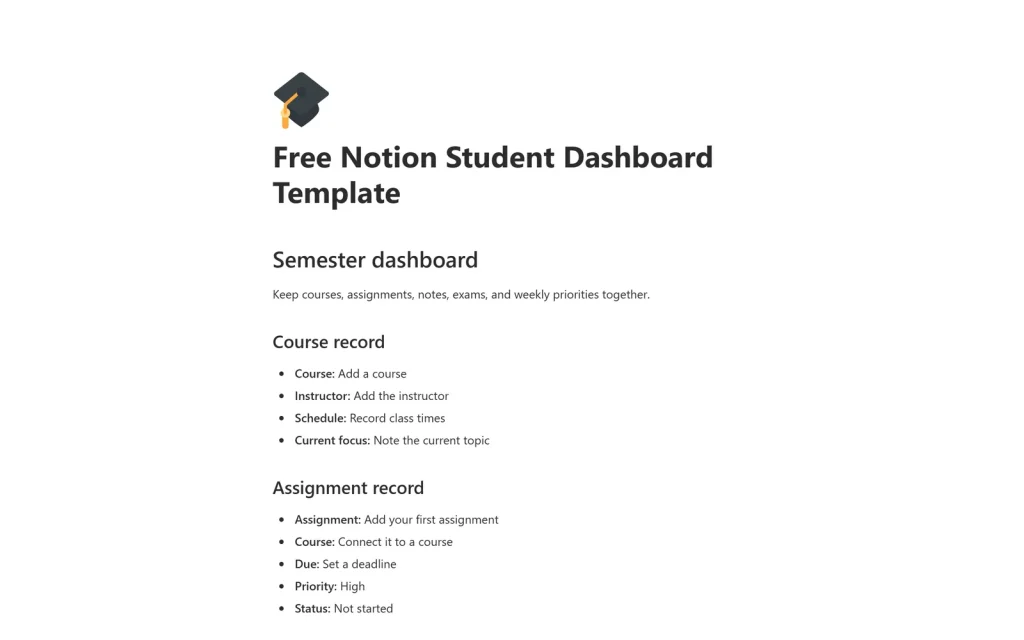
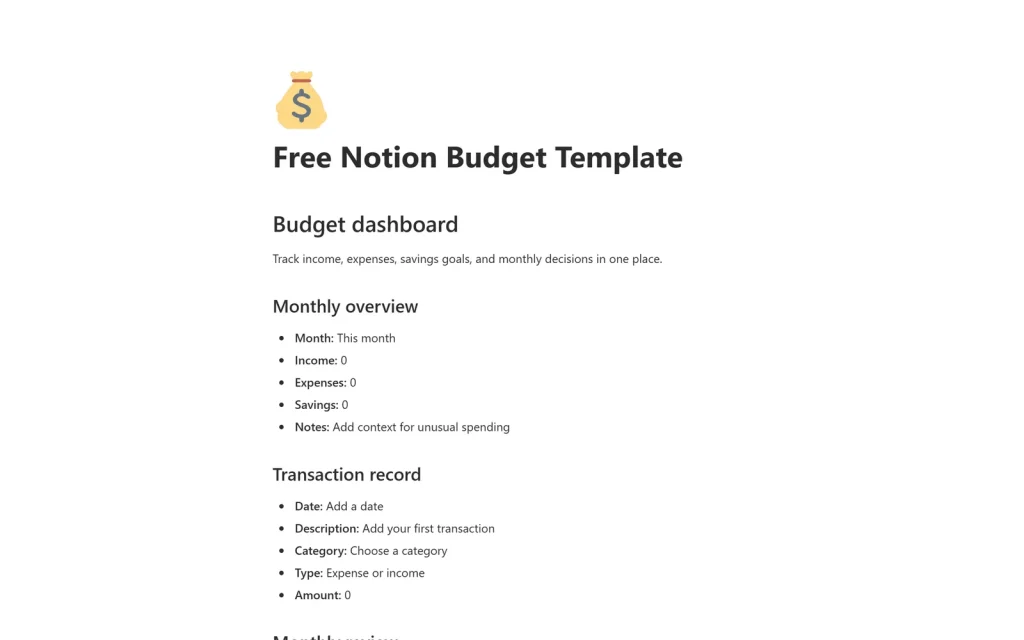
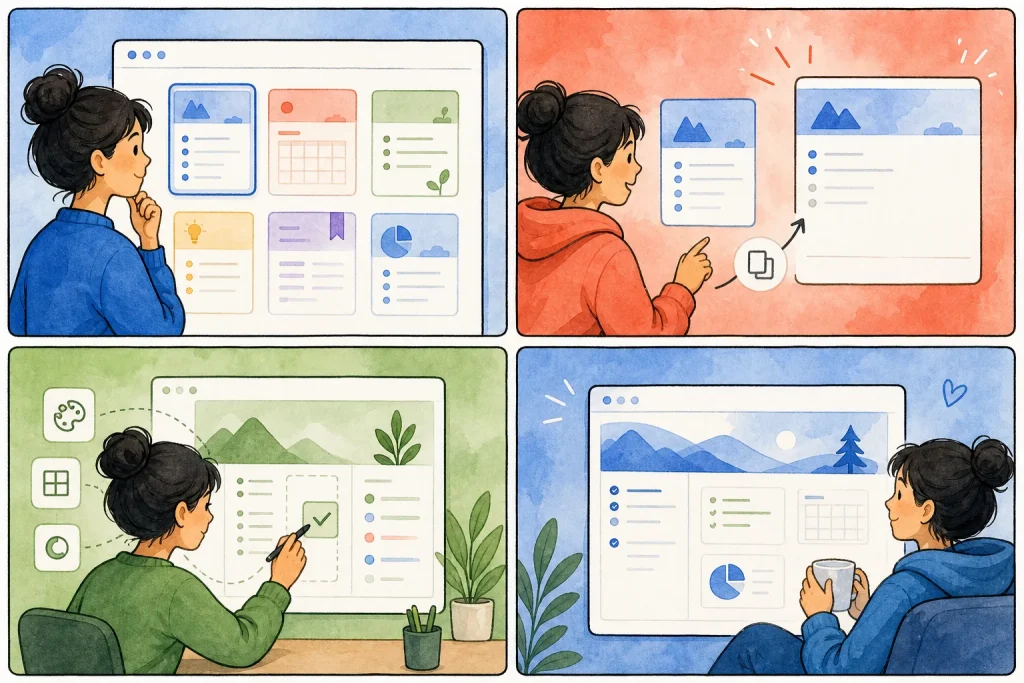
From template to daily use in minutes
No setup calls, no downloads. Everything happens inside Notion.
Pick a template
Browse by collection or use the finder to match your workflow.
Duplicate to Notion
Open the template and click Duplicate. It lands in your workspace instantly.
Make it yours
Rename, add properties, and adjust views. It is a normal Notion page now.
Premium systems
Every free template has a Pro version
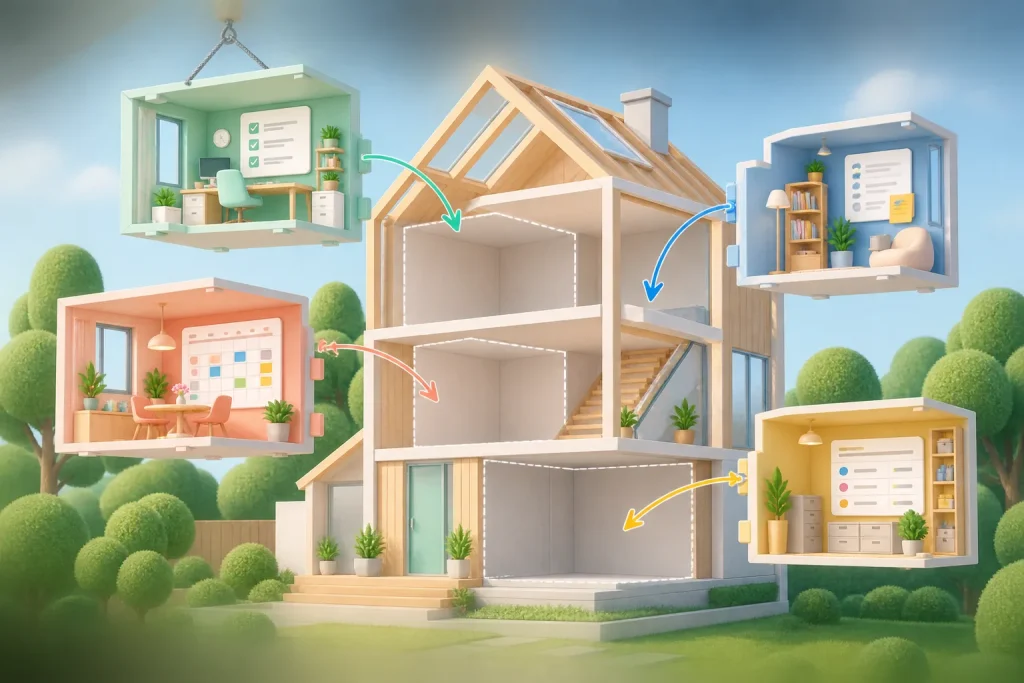
Start free. When you want more views, connected databases and a setup guide, upgrade to the Pro version of the same template, or run your whole business on Freelancer Client OS.
- Connected databases with relations and rollups already wired
- Dashboards for clients, projects, finances, and weekly reviews
- Setup guide and sample data so you are productive on day one

Learn Notion faster
Short, practical guides on choosing, using, and building templates.
Frequently asked questions
Everything people ask before they duplicate their first template.
Are these Notion templates really free?
Yes. All 12 templates in the library cost nothing to duplicate and use. Premium systems are the paid, more connected versions for people who want everything in one workspace.
How do I duplicate a free Notion template?
Open the template page, follow its duplicate link, and choose the workspace you want to copy it into. The copy is fully yours to edit.
Do free Notion templates work on a free Notion plan?
Yes. A free Notion account can duplicate and use these templates. Paid Notion plans mainly add team features and higher usage limits.
Can I customize a template after duplicating it?
Yes. Once duplicated, the template is a normal Notion page in your workspace. You can rename it, change properties, and restructure it however you like.
What is the difference between free templates and premium systems?
Free templates each handle a single job, like a budget or a content calendar. Premium systems connect those jobs, so clients, projects, money, and time live in one linked workspace.
Start with one free template today
Pick the system that matches your week, duplicate it, and stop rebuilding Notion from scratch.