
Students · Premium system
Student Dashboard Pro
The free student dashboard, upgraded with grades, exams and a thesis planner.
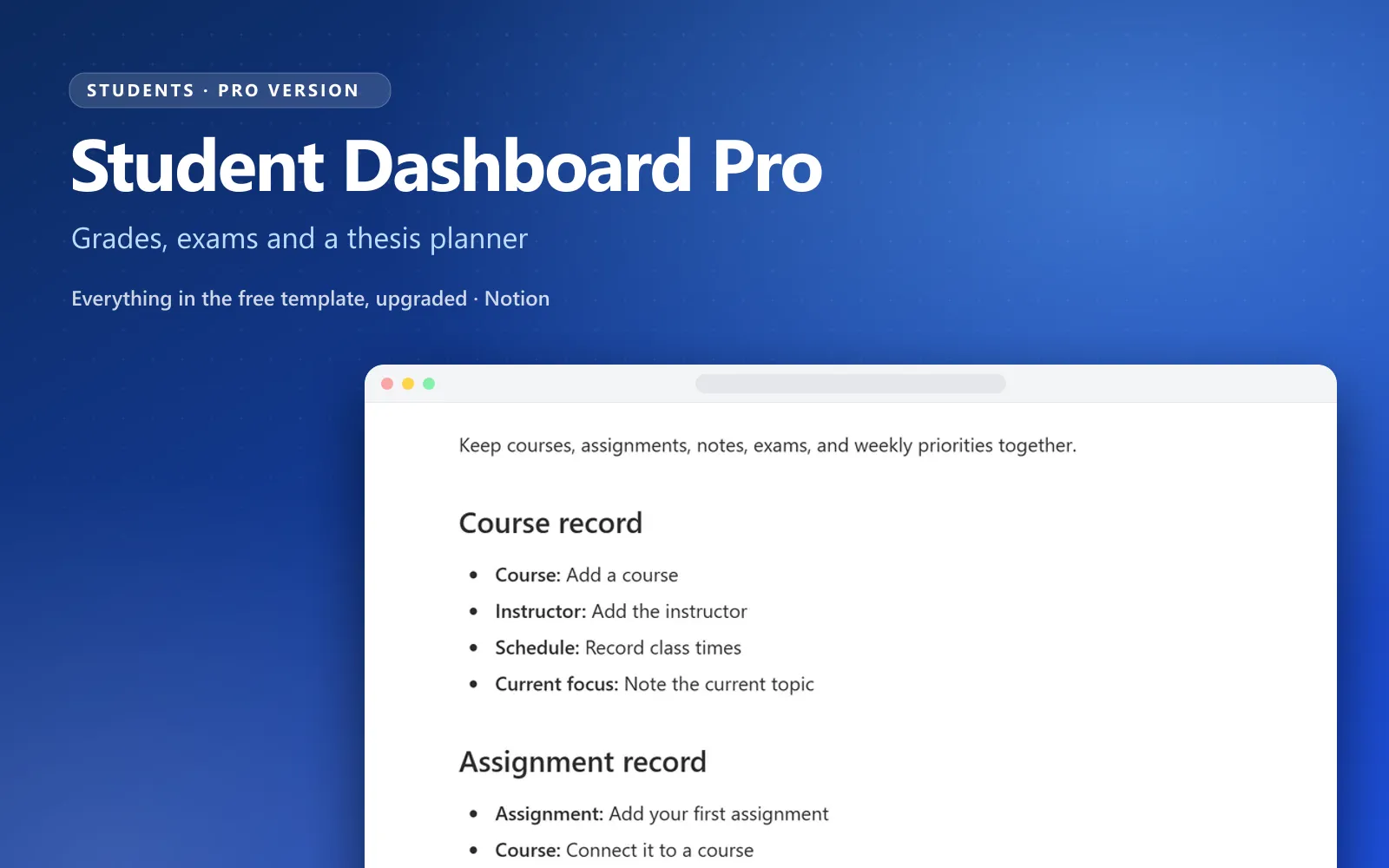
What’s inside the Student Dashboard Pro Notion template
Everything in the free Student Dashboard plus grade calculation per course, an exam planner with revision checklists, lecture notes linked to classes, a thesis planner and a study habit tracker.
- Grade tracker with weighted averages per course
- Exam planner with countdowns and revision checklists
- Lecture notes database linked to each course
- Thesis and long project planner with chapters
- Study habit tracker and weekly planning page
- Semester dashboard with what is due this week
Why Student Dashboard Pro
Why a Notion student dashboard works better with grades and exams built in
Most students track assignments in one place, grades in a spreadsheet, exam dates in a calendar and notes somewhere else. Then finals week arrives and nothing lines up. Student Dashboard Pro puts the whole semester in one Notion workspace, so every course knows its notes, its deadlines, its exams and your current grade.
The whole semester on one page
The semester dashboard shows what is due this week, upcoming exams with countdowns and your average per course. Open it on Monday and you know exactly where to spend your study time, without checking four apps.
Grades, exams and notes, connected
Lecture notes link to the course they belong to, exams link to a revision checklist, and the grade tracker calculates your weighted average as results come in. This Notion grade tracker template shows how close you are to the grade you want before the final, not after.
Yours to change, easy to start
It is Notion, so add courses, change grade weights and build new views as your program changes. The setup guide walks you through the first hour, and sample courses show a working semester before you add your own.
Not sure yet? Start with the free Notion student dashboard template. When you want grades, an exam planner and a thesis planner connected to it, Student Dashboard Pro is the upgrade. Building study routines? See Habit Tracker Pro.
Compare
Free student dashboard vs Student Dashboard Pro
The free dashboard is a good way to organize classes and assignments. Here is what the Pro version adds when you want the whole semester, grades and exams included, in one Notion study planner.
| Compared on | Student Dashboard ProComplete system · pay once | Free Student DashboardFree template · one job |
|---|---|---|
| Courses | Courses linked to notes, exams and grades | Course pages with notes and resources |
| Assignments | Due this week on the semester dashboard | Assignment tracker with due dates |
| Grades | Weighted average per course | Not included |
| Exams | Exam planner with countdowns and revision checklists | Not included |
| Lecture notes | Notes database linked to each course | Notes inside course pages |
| Thesis and long projects | Thesis planner with chapters | Not included |
| Study routine | Study habit tracker and weekly planning page | Calendar and timeline views |
Who it is for
College and university students who want the whole semester in one place.
What you get
- Connected databases with relations and rollups already wired
- Dashboards for daily and weekly use
- Setup guide and sample data
- Free updates when the system improves
- Works on Notion’s free plan
Frequently asked questions
Everything students ask before they plan their semester with Student Dashboard Pro.
How do I receive the template?
After checkout you get a link to duplicate the system into your own Notion workspace. It is yours to keep and customize.
Does it work on a free Notion plan?
Yes. Every system works on Notion’s free plan. Paid Notion plans only add team features and higher limits.
How is this different from the free template?
The Free Notion Student Dashboard Template does one job well. Student Dashboard Pro connects the jobs into one system with dashboards, relations and a setup guide.
How do I track my grades in Notion?
Add each graded item, such as an exam, essay or lab, to a course with its score and its weight. A formula multiplies the two and a rollup adds them up per course, which gives your weighted average. In this Notion grade tracker template that is already set up, so you only enter your results and the weights from your syllabus.
Can I reuse it next semester?
Yes. Archive the finished courses, add the new ones and the dashboard, exam planner and grade tracker pick them up automatically. If you only need a place for classes and assignments, the free student dashboard template covers that at no cost.
Can I get a refund?
If the system does not fit your workflow, contact us within 14 days and we will sort it out.
Get Student Dashboard Pro today
$14.99 once (50% off the regular $29.99). Duplicate it into your workspace in a minute and start using it the same day.